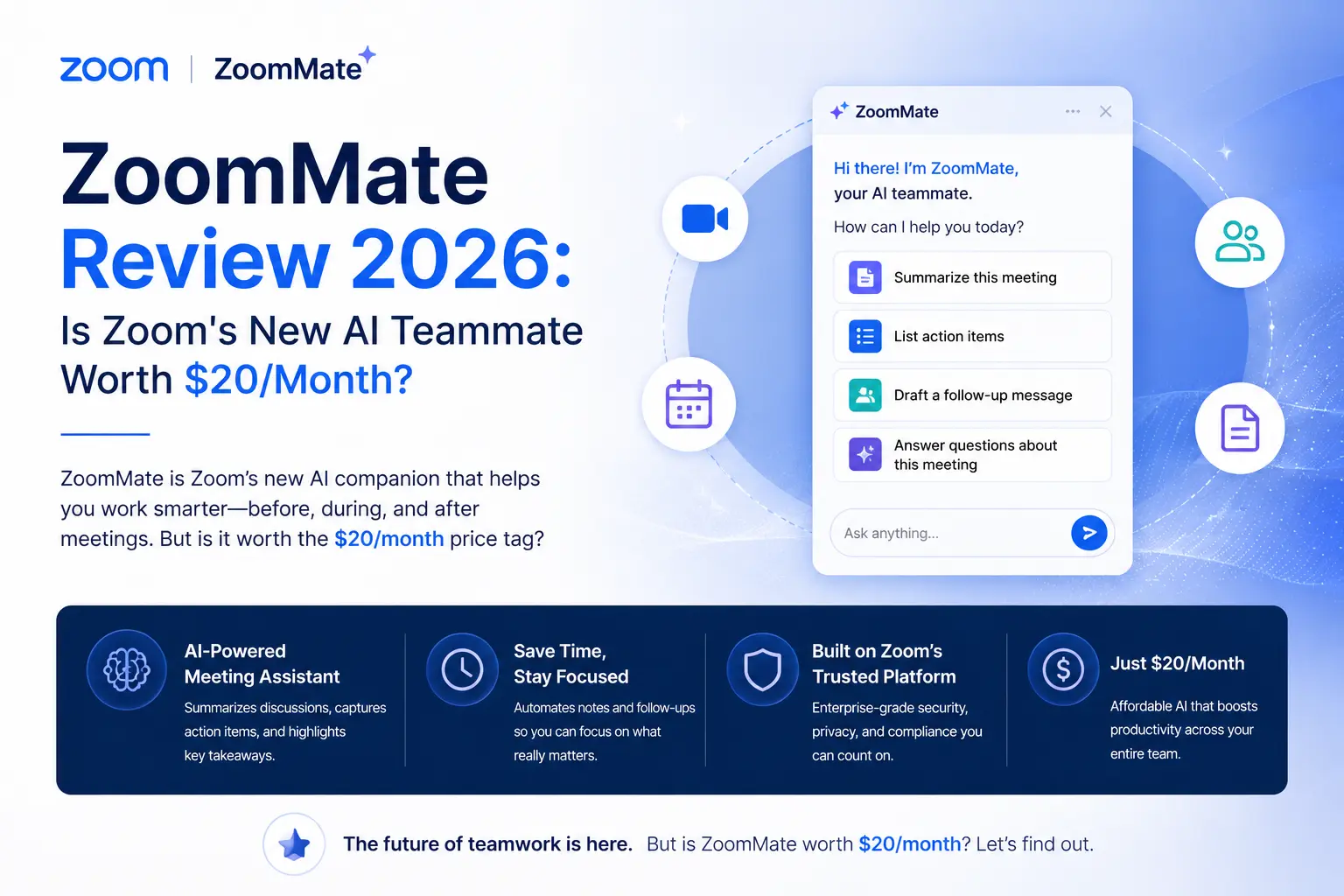
ZoomMate Review 2026: Is Zoom's New AI Teammate Worth $20/Month?
Updated June 2026 · 12-min read · Covers pricing, features, integrations, and real-world ROI
If you've ever sat through a productive meeting only to watch nothing actually happen afterward, ZoomMate was built for you. Launched in June 2026, it's Zoom's attempt to close the gap between "we decided something" and "that thing got done" — by turning your meetings into automated workflows, polished documents, and cross-app actions.
This review breaks down exactly what ZoomMate does, who it's genuinely useful for, and whether the $20/user/month price makes sense for your team.
What Is ZoomMate?
ZoomMate is Zoom's agentic AI assistant that connects live meeting and chat context to enterprise-wide search, workflow automation, and AI content creation — all within the Zoom platform.
Unlike transcript tools or basic AI note-takers, ZoomMate is designed to act, not just record. It listens to your meetings and chats (with permission), identifies decisions and action items, and then executes follow-ups across third-party systems like Salesforce, Jira, Google Workspace, and ServiceNow.
Zoom describes it as an "AI work surface" — which sounds like marketing, but in practice means it's a persistent AI layer that lives across meetings, chats, and documents, rather than a bolt-on feature you open once a week.
ZoomMate's Core Features: Search, Orchestrate, Complete
Everything ZoomMate does falls into three functional pillars. Here's what each actually means in day-to-day use.
1. Agentic search across your entire organization
Ask ZoomMate a question and it doesn't just search Zoom — it simultaneously queries your connected tools. Relevant Salesforce records, open Jira tickets, Google Drive files, Confluence pages, and Workday data all surface in a single response, ranked by relevance to your query.
Crucially, results respect your existing access controls. You won't surface a file you don't have permission to view, and ZoomMate won't conflate your search results with generic web content. The grounding stays in your organization's actual knowledge base.
2. Task orchestration and workflow automation
This is where ZoomMate earns its "agentic" label. After a meeting, it can automatically schedule a follow-up in Google Calendar or Outlook, create a Jira ticket from a decision point, update a Salesforce opportunity, or draft an outreach email — without you manually triggering each step.
You can also build recurring routines. For example, set ZoomMate to generate a Monday morning briefing pulling from your calendar, recent emails, and active project status — delivered automatically without you lifting a finger.
3. AI content creation (the Productivity Suite)
ZoomMate subscribers get access to Zoom's full AI Productivity Suite, which includes four content tools:
- Zoom Slides — generates slide decks directly from meeting transcripts or text prompts
- Zoom Sheets — compiles structured data (task lists, metrics, project trackers) from conversation context
- Zoom Paper — produces Word-compatible documents like proposals, reports, or policy drafts
- Zoom Canvas — a collaborative workspace (formerly Zoom Docs) for notes, wikis, and shared trackers that updates as decisions change
The key distinction from generic AI writing tools: these outputs are grounded in your actual meeting data, not a blank-slate prompt. A proposal generated after a client call pulls in the specifics discussed during that call, not a generic template.
4. Integrations and connectors
Out of the box, ZoomMate connects to: Salesforce, Jira, Slack, Google Calendar, Google Drive, Microsoft Outlook, Microsoft OneDrive, SharePoint, ServiceNow, Confluence, and Workday. The integration isn't superficial — it can both read from and write to these systems, meaning it's not just pulling context but taking action in them.
If your organization uses a tool that isn't listed, Zoom's no-code builder lets teams configure custom connectors and workflows without involving an engineer.
5. Memory, personalization, and custom skills
ZoomMate retains context between sessions via a memory layer, so it doesn't need to re-learn your preferences or project background every time you open it. Teams can also build custom "skills" — essentially named workflows tied to specific triggers like calendar events, incoming messages, or scheduled times. ZoomMate can even browse the web through a secure extension to pull live information into a session.
How ZoomMate Fits Into a Real Workday
Here's how different teams are actually using it:
Sales teams
Before a call, ZoomMate surfaces the customer's recent Salesforce history and last meeting notes. After the call, it updates the CRM opportunity, generates a proposal in Zoom Slides, and schedules the next touchpoint — all without the rep leaving Zoom. The manual post-call admin that typically takes 20–30 minutes gets compressed significantly.
Product and engineering teams
During sprint planning, ZoomMate pulls open Jira issues into view, logs decisions in Zoom Canvas, and creates follow-up tasks. Status trackers in Google Docs can stay synced with outcomes discussed during standups.
HR and operations
New hire orientation becomes more systematic — ZoomMate can auto-send onboarding checklists, schedule training sessions, and pull policy answers from an internal knowledge base during the session. Support teams can convert a chat transcript directly into a ServiceNow incident without any copy-paste.
Knowledge workers and individuals
The "catch me up" feature is genuinely useful for anyone who joins a meeting late or misses one entirely — it generates a concise summary on demand rather than forcing you to scrub through a recording. A daily briefing routine built in ZoomMate can replace the 15-minute morning inbox-check for many users.
ZoomMate Pricing: What You Actually Get for $20/Month
ZoomMate costs $20 per user per month for online and direct customers in North America. This includes AI usage credits and full access to the Zoom AI Productivity Suite (Canvas, Slides, Sheets, and Paper), which is otherwise available as a $10/user add-on.
A few things worth knowing:
- AI usage credits are included, but heavy usage (large volumes of content generation or automation) may require purchasing additional credits
- ZoomMate requires a qualifying Zoom business or enterprise license — it's not available on basic plans
- The North American rollout launched in mid-2026; EMEA and APAC availability is expanding later in 2026
- There is no free tier currently, though enterprise buyers can request a demo or trial through Zoom's sales team
ZoomMate vs. Competitors
The honest comparison: if your organization runs primarily on Microsoft tools, Copilot is the more natural choice. If you're Zoom-first and need a single tool that turns meetings into executed work across multiple business systems, ZoomMate has no direct equivalent.
Pros and Cons
Is ZoomMate Worth $20/Month?
The honest answer: it depends less on the price than on how your team actually works.
For a sales team running 10+ client calls a week in Zoom, the time saved on post-call admin (CRM updates, proposal drafts, follow-up scheduling) alone could justify the cost in a couple of weeks. For a five-person team that uses Zoom mainly for external video calls and handles everything else in Notion and Slack, the ROI is much murkier.
The strongest case for ZoomMate is organizations where Zoom is already the operating center — where meetings drive projects, follow-up execution is a real bottleneck, and teams regularly switch between five or more tools to track decisions. In that context, $20/user/month to collapse that context-switching into a single AI layer isn't expensive. It's potentially the cheapest hire you'll ever make.
If you're on the fence, the right move is a scoped pilot: pick one team (sales or project management are good candidates), connect two or three integrations, and measure time saved on post-meeting admin over 30 days. That will tell you far more than any review will.
Final Verdict
ZoomMate is the most complete attempt yet to turn a video conferencing platform into a genuine work execution system. The meeting summarizers and note-takers it competes with never went further than the transcript. ZoomMate's ambition is to make the transcript the starting point for completed work — and the architecture supports that vision.
It's early, it requires commitment to set up properly, and it won't make sense for every organization. But for teams that live in Zoom and want their meetings to produce real deliverables instead of follow-up emails, ZoomMate is the most compelling tool on the market right now.