
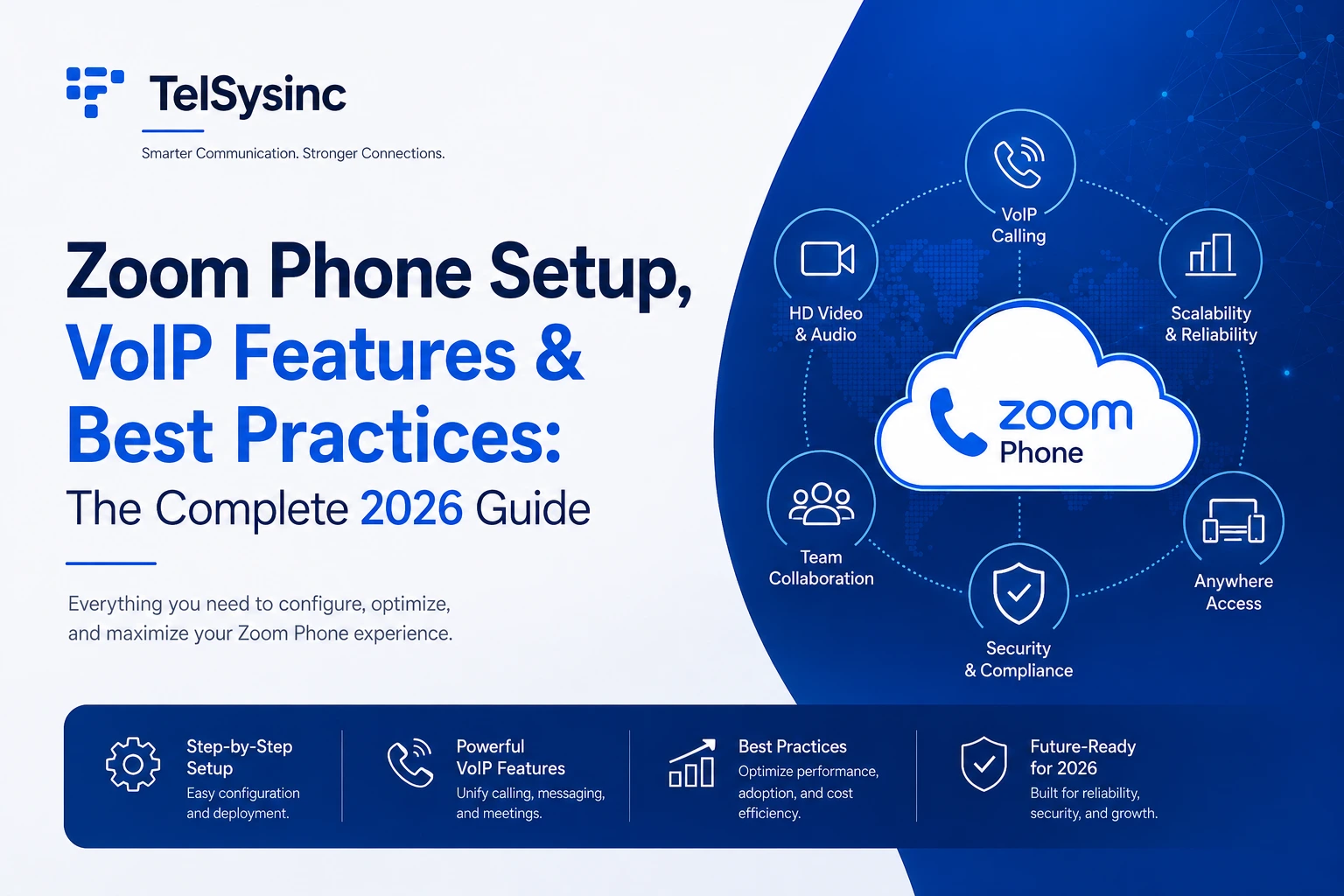
Introduction: Your Office Phone System Doesn't Have to Be a Headache
This guide covers everything from how Zoom Phone actually works to a step-by-step setup walkthrough, the features worth knowing about, honest pricing comparisons, and the best practices that separate a smooth deployment from one that generates IT tickets on day two.
What Is Zoom Phone? Understanding the Cloud PBX Model
Zoom Phone is a cloud-hosted PBX (Private Branch Exchange) — a virtual phone system that routes business calls over the internet instead of through traditional phone lines or on-site hardware.
The practical difference from a legacy system is significant. With a physical PBX, calls travel through hardware installed at your office. When something breaks, IT gets involved. When you hire new staff, someone has to configure a new extension manually. When an employee works remotely, they're effectively cut off from the business phone system unless you've set up call forwarding.
Zoom Phone eliminates those friction points. Everything is managed through a web-based admin portal. Users install the Zoom app on any device — laptop, smartphone, desk phone — and their extension follows them wherever they have an internet connection. New users are provisioned in minutes, not days.
Because Zoom Phone is part of the Zoom Workplace platform, it shares the same infrastructure and interface as Zoom Meetings and Zoom Chat. That's the real differentiator: not just that it's cloud-based (competitors like RingCentral and Microsoft Teams Phone are too), but that voice, video, and messaging converge in a single app your team already knows.
Why the Cloud PBX Shift Matters Right Now
For hybrid and remote-first teams, the traditional model of "you have to be at your desk to use the office phone" simply doesn't work anymore. Cloud PBX solves that problem structurally — not with a workaround like call forwarding, but by making the phone system device-agnostic by design.
From a cost perspective, Zoom Phone removes upfront hardware investment, reduces per-call long-distance charges, and scales without expensive upgrades. IT gets centralized control; employees get flexibility. For most growing businesses, that trade-off is straightforward.
Zoom Phone Features: A Deep Dive into What Matters
Multi-Device Calling
Your Zoom Phone extension works on Windows, macOS, iOS, Android, web browsers, and supported SIP desk phones from Polycom, Yealink, and Cisco. One of the more underappreciated features is Call Flip — the ability to switch a live call from your desktop app to your mobile without dropping it. For anyone who regularly moves between an office and a commute, this alone is worth the switch from a traditional system.
All voice traffic is encrypted with AES-256 by default, so security doesn't degrade just because someone's calling from a coffee shop on their laptop.
Unified Communications: Voice, Video, Chat — One App
Because Zoom Phone is native to the Zoom platform, escalating a phone call to a video meeting is a single click — no new meeting ID, no separate invite. Similarly, you can send a Zoom Chat message during a call or drop someone into a whiteboard session without ever switching apps.
This matters more than it sounds. In most organizations that use separate phone and video tools, there's a persistent context-switching tax: copying meeting links, re-sharing content, finding the right window. Zoom Phone collapses that overhead.
Intelligent Call Routing: Auto Attendants and Call Queues
This is where Zoom Phone earns its stripes as a legitimate enterprise PBX. The admin portal lets you build multi-level IVR menus (auto attendants) with custom voice greetings — "Press 1 for Sales, 2 for Support" — that route callers to the right team without a receptionist in the loop.
Call queues hold inbound callers until an agent is available, with configurable wait music and overflow rules. Business hours and holiday schedules control when calls reach live staff versus rolling to voicemail or an after-hours message. For high-volume inbound operations — customer support teams, sales floors, clinics — these features are the foundation of a functional phone system.
Add-ons to factor in:
- Power Pack ($25/user/month): Required for real-time call center analytics, queue dashboards, and advanced reporting
- Zoom AI Companion: Included in paid Workplace plans; some AI features require eligible plan tiers
The honest note on pricing: Zoom Phone's standalone plans look affordable at a glance, but the features most teams actually want — AI summaries, call recording, advanced analytics — often require either an upgraded bundle or an add-on. When you cost out your actual configuration (not just the base plan), Zoom Phone and RingCentral end up in a similar price range for mid-to-large teams. Zoom's advantage is that it doesn't charge the administrative and cost-recovery surcharges that competitors like RingCentral add on top of stated pricing.
vs. RingCentral
RingCentral is the most mature standalone UCaaS platform — 300+ integrations, more advanced IVR capabilities for large contact centers, and a longer telephony track record. Zoom Phone has a cleaner, simpler interface and more straightforward configuration, which matters particularly for businesses without dedicated IT support. For teams that don't need complex contact center functionality and are already Zoom users, Zoom Phone wins on simplicity and cost transparency. RingCentral adds cost recovery and administrative fees of around $3.99 per user on top of stated pricing — charges Zoom doesn't apply.
vs. Microsoft Teams Phone
Teams Phone is deeply integrated into Microsoft's ecosystem and nearly impossible to beat if your organization is already fully committed to Microsoft 365. If you're running Exchange, SharePoint, and OneDrive, Teams Phone is likely the right call. If your team communicates primarily over Zoom Meetings, Zoom Phone wins by eliminating the friction of operating in two separate video/voice platforms simultaneously.
vs. Google Voice
Google Voice works for small teams on a Google Workspace budget, but lacks advanced call routing, shared line features, and the AI-powered post-call workflows that Zoom Phone offers. It's an entry-level option, not a like-for-like alternative for mid-size and larger businesses.
Troubleshooting Common Zoom Phone Issues
No audio or one-way audio: Almost always a firewall or NAT issue. Verify that Zoom's required UDP and TCP ports are open, and that your router isn't blocking media traffic. A symmetric NAT configuration is the most common culprit.
Users can't connect or register: Check that the user's Zoom app is updated and that their Zoom Phone license is active and assigned in the admin portal. An "unactivated" extension status in the portal means the user hasn't completed their setup flow.
Poor call quality: Run Zoom's built-in call health diagnostic in the admin portal — it shows packet loss, jitter, and latency for completed calls. If quality degrades for everyone at the same time, look at network utilization. If it affects individual users, check their local connection (switch to wired if on WiFi).
Wrong caller ID displaying: Check the user's default outgoing caller ID setting in their Zoom Phone profile. Also verify that any shared line or call queue the user is answering from has the correct outbound number configured.
E911 errors or rejected emergency calls: Confirm the user's emergency address is validated (Zoom confirms this in the portal). Some countries require additional KYC documentation for E911 compliance — check the portal for any pending verification requirements.
Quick escalation path: Zoom's support documentation and community forums are extensive. For deployment-level issues, Zoom's Phone Deployment Guide in the Technical Library covers network, E911, and multi-site scenarios in detail.
Conclusion: Is Zoom Phone the Right Move for Your Business?
Zoom Phone makes the most sense in two clear scenarios: you're already a Zoom Meetings customer and want to consolidate your communications stack, or you're leaving a legacy on-premise phone system and want a modern, low-maintenance replacement.
The platform isn't perfect. SMS availability is limited to a handful of countries, the base Metered plan doesn't include unlimited outbound calling, and getting the most out of AI features typically means investing in a Workplace bundle rather than a standalone phone plan. These are real considerations worth pricing out before committing.
But the core product is solid. Call quality, routing flexibility, and the unified communications experience with Meetings and Chat are genuinely good — and the AI post-call workflow capabilities are moving fast. For teams that want to stop managing phone infrastructure and start managing outcomes, Zoom Phone is a credible, well-integrated option worth serious evaluation.
If you're already on Zoom Workplace, there's very little reason not to turn it on.