
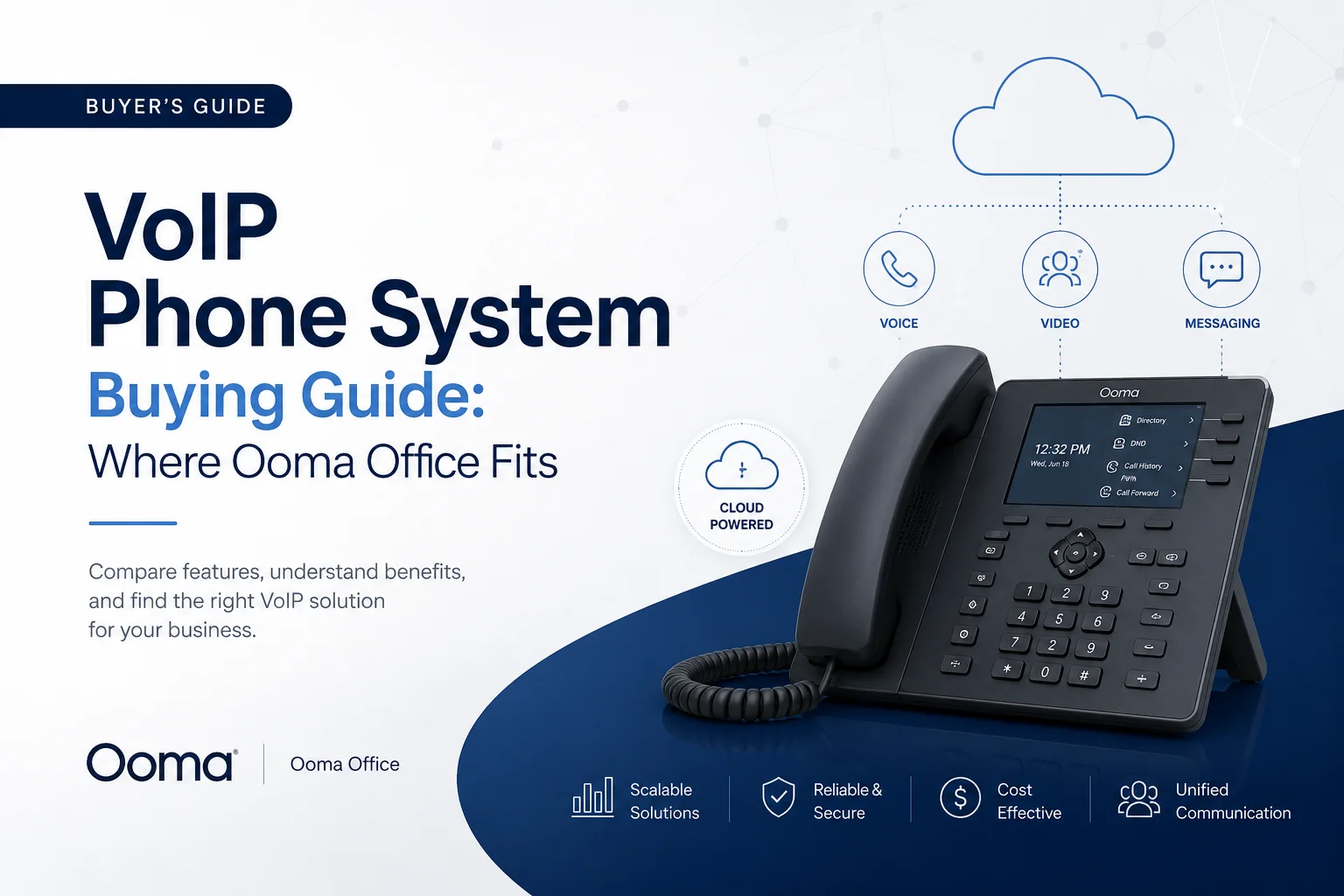
VoIP Phone System Buying Guide: Where Ooma Office Fits in 2026
If you're still paying a phone company for a desk line that does nothing but ring and forward, you're overpaying for undersized features. Most small businesses have already made the jump to VoIP — and the ones that haven't are usually just unsure where to start.
This guide walks through what actually matters when picking a business phone system, how the major providers stack up in 2026, and where Ooma Office earns its reputation as one of the easiest, most affordable entry points for small teams. We'll also flag where Ooma isn't the right fit, because no phone system is one-size-fits-all.
What Is a VoIP Phone System?
VoIP (Voice over Internet Protocol) turns your internet connection into a business phone system. Instead of routing calls over copper phone lines, VoIP compresses your voice into data packets and sends them over broadband — the same connection your team already uses for email and video calls.
In practice, this means a "phone system" is no longer a locked box of hardware sitting in a closet. It's software. Your team can answer business calls from a desk phone, a laptop app, or a smartphone, and the call quality, routing rules, and voicemail all live in the cloud rather than on-site.
This shift is why VoIP is often called cloud PBX or hosted PBX — PBX (private branch exchange) used to require expensive on-premise equipment; now a vendor manages that infrastructure for you.
Why Businesses Are Moving to Cloud VoIP
The cost argument alone has been enough to pull most small businesses off landlines. Traditional multi-line phone service with long-distance charges can run $50+ per line once fees are added in. Cloud VoIP plans typically land between $15 and $30 per user, often with unlimited domestic calling baked in.
But price isn't the only driver. A few things changed the calculus:
- Enterprise features trickled down. Auto-attendants, call analytics, and multi-level call routing used to be reserved for companies that could afford a real IT department. Now they ship standard on basic VoIP plans.
- Remote and hybrid work became permanent. A business number that follows an employee's laptop or phone — rather than staying tied to a desk — isn't a nice-to-have anymore. It's table stakes.
- Scaling is instant. Adding a new hire means adding a seat, not scheduling a technician visit.
Quick Answer: What's the Biggest Benefit of VoIP for Small Business?
The biggest benefit is cost predictability combined with feature access — small businesses get auto-attendants, mobile apps, and call analytics that used to require enterprise budgets, often for $20–$30 per user per month with no long-term contract.
Key VoIP Features to Look For
Not every plan needs every feature, but here's what separates a genuinely useful VoIP system from a bare-bones one:
How to Choose the Right VoIP System (Step by Step)
- Map your actual usage before you shop. How many seats do you need today, and in a year? Do people work from multiple locations? Is texting a real requirement or a "might be nice"?
- Shortlist 3–4 providers based on your must-haves, not marketing copy.
- Actually run a trial. Most providers offer 14–30 days free. This is the step people skip and regret — call quality and admin-portal usability vary more than spec sheets suggest.
- Get a real quote, including activation fees, taxes, and any per-message or per-minute overage charges. Annual billing often looks cheaper on paper but locks you in.
- Read recent reviews, specifically about support response times — this is where VoIP complaints cluster.
Comparing Top VoIP Providers in 2026
Pricing changes frequently across the industry — always confirm current rates directly with the provider before signing.
Each of these providers wins on something specific. RingCentral leans into integration depth. Nextiva consistently gets praised for support responsiveness. 8x8 and Vonage lean toward international reach and API flexibility, respectively. Dialpad and Zoom Phone are the AI-and-collaboration-first picks.
Ooma Office's lane is narrower and, for the right buyer, more useful: a straightforward, no-contract system that bundles a genuinely long feature list into its cheapest tier, rather than gating basics behind a premium plan.
Ooma Office Plans and Pricing Breakdown
Ooma Office runs three self-serve, month-to-month plans — no annual contract required on any of them.
Office Essentials — $19.95/user/month
Covers the core of what a small office needs: unlimited calling across the US, Canada, Mexico, and Puerto Rico, one free toll-free number, a virtual receptionist, mobile and desktop-adjacent apps, voicemail-to-email, and digital faxing. What it skips: business texting and video conferencing, both of which live on the higher tiers.
Office Pro — $24.95/user/month
Everything in Essentials, plus a desktop softphone app, 250 SMS messages per month (account-wide, not per user), video meetings for up to 25 participants, call recording, and stronger spam blocking.
Office Pro Plus — $29.95/user/month
Everything in Pro, plus AI-powered call transcription and insights, CRM integrations, up to 1,000 SMS messages per month, 100-person video meetings, team chat, hot desking, and call queuing.
A note on fees: Ooma charges a one-time activation fee at signup — reported figures vary by source and promotion, so confirm the exact number during checkout rather than assuming it's fixed. All plans include 24/7 support, and Ooma offers a 30-day free trial, which is worth using given how much plan-to-plan variation exists.
One feature worth calling out specifically: Ooma AirDial, a battery-backed device that can keep phone service running for 48+ hours during a power or internet outage. For businesses in areas with unreliable utility power, this is a genuinely differentiated piece of business continuity — most competitors don't offer an equivalent hardware failover.
Quick Answer: How Much Does Ooma Office Cost?
Ooma Office costs $19.95 to $29.95 per user per month across its three plans (Essentials, Pro, Pro Plus), billed month-to-month with no long-term contract, plus a one-time activation fee confirmed at signup.
Who Should Actually Choose Ooma Office?
Ooma Office earns its strongest reviews (4.6/5 on G2, based on verified user feedback, with a more mixed 3.9/5 on Trustpilot) from a specific type of buyer: small businesses and remote teams that want a working phone system without hiring anyone to manage it.
It's a strong fit if:
- You're replacing an old landline and want something that "just works" without an onboarding project
- Your team is remote or hybrid and needs to take business calls from personal devices
- You want predictable, flat per-user pricing with no annual lock-in
- You need call basics (auto-attendant, ring groups, digital fax, voicemail) included from day one rather than upsold later
It's probably not the right fit if:
- You need more than 250–1,000 texts per month per user rather than account-wide caps
- Your team relies on a long list of CRM or helpdesk integrations — Ooma's integration library is thinner than RingCentral's or Nextiva's
- You're scaling toward an enterprise contact center with skills-based routing and heavy analytics
- Your internet connection isn't consistently reliable and you don't want to invest in AirDial as a backup
Ooma Office: Pros and Cons
Pros
- Full feature set (50+ tools) included even in the cheapest plan
- No contracts — cancel or downgrade without penalty
- Fast setup; most reviewers report being operational same-day
- AirDial offers real outage protection most competitors don't match
- Strong, consistently rated customer support
Cons
- Texting and video conferencing gated behind Pro/Pro Plus
- Fewer native integrations than RingCentral or Nextiva
- Message and calling limits are account-wide, not per-user, which can bite larger teams
- Like any VoIP system, call quality depends entirely on your internet stability
Final Take: Choosing the Right VoIP System for Your Business
There's no single "best" VoIP provider — there's a best fit for your team size, budget, and feature list. If you're a small business or remote team that wants a no-contract system with a genuinely useful base plan, Ooma Office is worth putting on your shortlist. If you need deep CRM integration, global calling, or AI-native tools out of the gate, RingCentral, Nextiva, Dialpad, or 8x8 might serve you better.
The move that actually saves you from a bad decision isn't reading more comparison charts — it's running the free trial with your own team, on your own internet connection, before you commit.








