
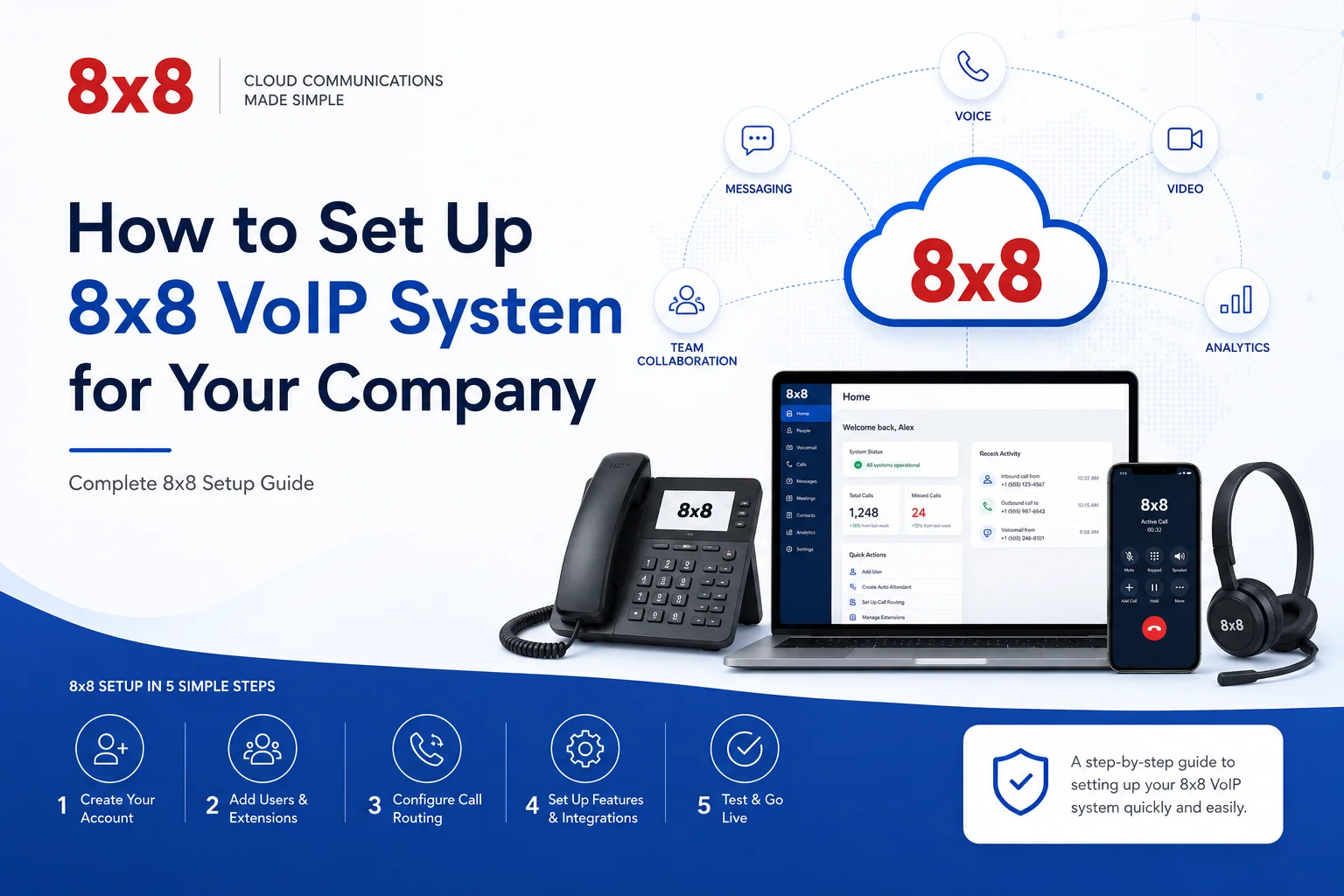
How to Set Up 8x8 VoIP for Your Business: A Complete Step-by-Step Guide (2025)
Introduction
Switching to a cloud phone system is one of the more practical decisions a growing business can make — but only if the setup is done right. A misconfigured IVR, a poorly routed call queue, or an undertested rollout can turn a genuinely good platform into a daily frustration for your team and your customers.
This guide walks you through the entire 8x8 setup process from scratch: account creation, user configuration, call routing, device setup, CRM integration, and testing. Whether you're deploying for a five-person team or a fifty-person organization, the process is the same — and it's more straightforward than most people expect.
Before You Start: What You Need in Place
Rushing into setup without checking these prerequisites is the most common reason deployments run into trouble. Spend 30 minutes here and save yourself hours later.
A Reliable Internet Connection
VoIP audio quality lives and dies by your network. The minimum requirement is 100 kbps of bandwidth per simultaneous call, but the more important factor is consistency. A connection that fluctuates, even briefly, produces choppy audio. Run a speed test and check your upload speeds specifically — upload bandwidth is what carries your voice to the other end.
For reference:
- Latency should stay under 150 ms for acceptable call quality
- Packet loss above 1% will noticeably degrade calls
- If you're running more than 10 simultaneous calls, consider a dedicated VLAN for VoIP traffic
Devices
You have three options, and you can mix them freely:
- IP desk phones — hardware phones that plug into your network and auto-provision with 8x8
- Softphones — the 8x8 Work desktop app (Windows/Mac) or mobile app (iOS/Android), no hardware required
- Headsets with computers — works through the 8x8 Work app
For most small businesses, softphones are the fastest and cheapest path to getting operational. You can always add desk phones later for team members who prefer them.
The Right 8x8 Plan
8x8 offers several tiers. The two most relevant for businesses setting up for the first time:
- X2 — covers unlimited calling in 14 countries, HD voice and video, team messaging, and auto-attendant. Sufficient for most small and mid-sized businesses
- X4 — adds supervisor analytics, call monitoring, and barge/whisper features for managers who need visibility into call activity
If you're unsure, start with X2. Upgrading is straightforward and doesn't require reconfiguring your setup.
Network Configuration
Before the first call is made, your IT team (or your router settings) should have:
- QoS (Quality of Service) enabled and prioritizing SIP/VoIP traffic
- Firewall rules that allow SIP traffic (typically UDP port 5060 and RTP ports 10000–20000)
- Outbound traffic open for 8x8's server IP ranges (available in their admin documentation)
Step-by-Step 8x8 Setup Guide
Step 1: Create Your Account
Go to 8x8's website and sign up for a business account. You'll select your subscription plan during this process, enter your company details, and get access to the Admin Console — the web-based control panel where every configuration happens.
Keep your login credentials somewhere secure. The admin account has full access to your phone system, billing, and user data.
Step 2: Get Familiar with the Admin Console
The Admin Console is where you'll spend most of your setup time. Before configuring anything, take five minutes to navigate the main sections:
- Users — where you create and manage employee accounts
- Phone Numbers — where you assign and port numbers
- Devices — where you register and configure hardware or softphones
- Call Routing — where you set up ring groups, queues, and IVR menus
- Auto Attendant — where you build your virtual receptionist
- Analytics — where call data and reporting live
Understanding the layout in advance makes the rest of the process much faster.
Step 3: Add Users and Assign Extensions
Every employee who needs a phone line gets a user profile. Here's how:
- Go to the Users section
- Click Add User
- Enter the employee's name, email address, and extension number
- Assign a license (determines which features they can access)
- Save and repeat
Extension numbering tip: Use a structured system from the start. Random extension assignments become a headache as you scale. A clean structure looks like:
This makes internal transfers faster and onboarding new staff simpler.
Step 4: Assign Phone Numbers
You can bring your existing business number to 8x8 or get a new one directly through the platform.
Porting an existing number: Submit a porting request through the Admin Console. You'll need your current carrier's account information and your most recent bill. Porting typically takes 2–4 weeks, so plan accordingly if number continuity is critical.
Getting a new number: Available instantly. Select your area code and preferred number format, assign it to a user or department, and it's live within minutes.
Numbers can be assigned to individual users, ring groups, or auto-attendants depending on how you want calls distributed.
Step 5: Set Up Devices
For IP desk phones:
- Plug the phone into your network via Ethernet
- The phone will reach out to 8x8's provisioning servers automatically if your network allows it
- Enter the provisioning URL manually if auto-configuration doesn't trigger
- Log in or confirm the assigned user — the phone is ready
For the 8x8 Work softphone app:
- Download the app from 8x8's website (desktop) or the App Store/Google Play (mobile)
- Log in with the user's 8x8 credentials
- Test audio input/output in the app settings
- Make a test call
Softphone setup takes about three minutes per user. For a remote or hybrid team, it's the fastest way to get everyone operational.
Step 6: Configure Call Routing
This is where a lot of businesses underinvest their time, and it shows. Poor call routing is the number-one reason customers have frustrating experiences calling a business.
Before configuring anything in the Admin Console, map your call flow on paper:
- What's the main business number?
- What happens when someone calls during business hours?
- What happens after hours?
- If no one answers, where does the call go?
- How should calls be distributed across a team — simultaneously (ring group) or sequentially?
The three main routing options:
Ring Groups — multiple phones ring at once. The first person to pick up takes the call. Best for small sales or support teams.
Call Queues — callers wait in line until an agent is available. Best for higher-volume support or service desks.
Auto-Attendant / IVR — callers navigate a menu to self-select their destination. Best for businesses with clearly separated departments.
Most small businesses use a combination: an auto-attendant at the top that routes to ring groups for each department.
Step 7: Build Your Auto-Attendant
Your auto-attendant is often the first thing customers hear. It needs to be clear, concise, and easy to navigate.
Setup steps:
- Go to Auto Attendant in the Admin Console
- Record or upload your main greeting (e.g., "Thank you for calling [Company Name]. For Sales, press 1. For Support, press 2.")
- Define each menu option and where it routes
- Set your business hours schedule
- Configure after-hours behavior — this is usually a separate recording with a callback message or emergency contact option
What to avoid:
- Menus with more than 4–5 options (callers stop listening)
- Vague option labels ("For all other inquiries, press 9")
- No after-hours message (callers hear dead air or endless ringing)
Keep it simple. Customers should reach a person — or a voicemail — within two menu levels at most.
Step 8: Set Up Voicemail for Each User
Every user should have a personalized voicemail greeting. Generic system greetings (the ones that just recite the phone number) make your business feel unpolished.
Best practice voicemail script:
"You've reached [Name] at [Company]. I'm unavailable right now — please leave your name, number, and a brief message and I'll return your call within [timeframe]. You can also reach us at [email or alternative contact]."
Users can record their greeting through the 8x8 Work app or dial into their voicemail from any phone. Setting a company-wide policy on voicemail setup during onboarding saves having to chase this down later.
Step 9: Connect Your CRM and Business Tools
8x8 integrates with a solid range of business platforms. The most commonly used:
- Salesforce — call logging, click-to-dial, screen pops with contact records
- HubSpot — inbound call tracking, contact activity logging
- Zoho CRM — similar call tracking and logging features
- Microsoft Teams — use 8x8 as your telephony layer within the Teams interface
- Google Workspace — calendar sync, contact integration
CRM integration is one of the highest-ROI configurations you can make. When an inbound call automatically pulls up a customer's record, your team spends zero time on manual lookups. Over hundreds of calls a week, that adds up.
Integration setup is handled through the Admin Console under Integrations, and most connect through OAuth authorization in a few clicks.
Step 10: Test Everything Before Going Live
Do not skip this step. A 30-minute testing session before launch catches the issues that would otherwise surface during a real customer interaction.
Testing checklist:
- Make inbound calls to the main business number from an external cell phone
- Verify the auto-attendant greeting plays correctly
- Test every menu option to confirm routing works as configured
- Make outbound calls from each user's line
- Test call transfers between users
- Leave a voicemail and confirm receipt and playback
- Test mobile app calls on at least one iOS and one Android device
- Confirm CRM integration logs a call correctly
- Test after-hours routing by temporarily adjusting business hours settings
Have someone outside your company call in and walk through the full customer experience. You'll often catch things internal testing misses.
Network Optimization for Better Call Quality
Once the system is live, ongoing network health matters. A few things worth implementing if you haven't already:
Use wired connections where possible. Wi-Fi introduces variable latency that can cause audio degradation during heavy network usage. Ethernet connections are more consistent, especially for team members on high call volume.
Enable QoS on your router. QoS prioritizes VoIP packets over general internet traffic. Without it, a large file download or video stream can degrade call quality for everyone on the network simultaneously.
Monitor bandwidth during peak hours. Use your router's traffic monitoring or a tool like PRTG to confirm VoIP traffic isn't competing with other heavy usage. If it is, consider a dedicated internet circuit or VLAN for business communications.
Common Mistakes That Derail 8x8 Setups
Skipping the network audit. Assuming your current internet connection is "good enough" without testing latency and upload bandwidth is the most common setup mistake. Test before you deploy.
Overcomplicating the IVR. The instinct is to create menus for every scenario. Resist it. Simpler is almost always better. Customers who can't reach a person within 30 seconds hang up.
Not training the team. The platform has features most people never discover without guidance. A one-hour team walkthrough — covering call transfers, voicemail access, messaging, and mobile app use — significantly improves adoption.
Going live without testing after-hours routing. This is the most frequently overlooked configuration. Calls that come in outside business hours need somewhere to go. Make sure they do.
Scaling as Your Business Grows
One of 8x8's genuine strengths is how easily it scales. Adding a new employee is a five-minute task in the Admin Console — create the user, assign an extension, assign a number, send them login credentials. No hardware changes, no technician visit, no waiting.
When you open a new office location, the same system covers it. Users in different cities show up in the same directory, can transfer calls to each other, and share the same call routing infrastructure.
Upgrading plans is similarly low-friction. If your needs grow to require contact center features — skills-based routing, queue analytics, or quality management tools — 8x8's X6 and above plans add those capabilities without requiring a platform migration.