
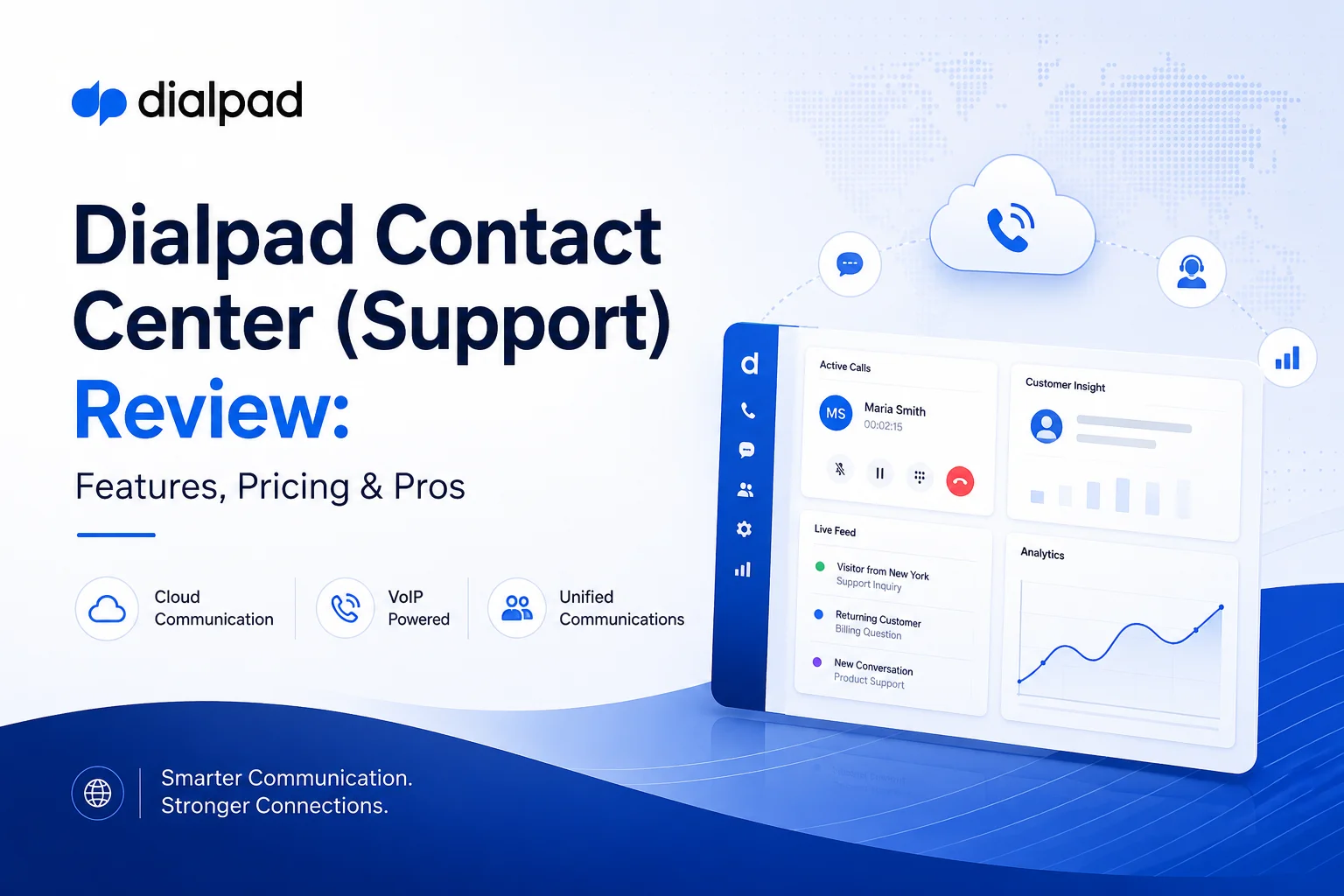
Dialpad Contact Center Review: Is Dialpad Support Worth It in 2026?
Last updated: August 2026
If you've spent any time comparing contact center software this year, you've probably noticed the same three words showing up everywhere: "AI-native platform." Every vendor claims it. Dialpad is one of the few that's actually built its entire architecture around it since day one, and that's the main reason Dialpad Contact Center — officially called Dialpad Support — keeps landing on shortlists for support teams that want AI baked into the workflow instead of bolted on as a chatbot widget.
This review breaks down what Dialpad Support actually does, what it costs in 2026, where it beats the competition, and where it genuinely falls short. No fluff, no regurgitated spec sheets — just what you need to decide if it fits your support operation.
Quick answer: Dialpad Support is a cloud-based, AI-powered contact center (CCaaS) platform that unifies voice, chat, SMS, and email into one console, with live transcription, agent coaching, and automated QA built into every plan. Pricing runs $80–$150 per user/month on annual billing. It's a strong fit for mid-market and tech-forward teams; it's a lighter fit for massive, heavily regulated enterprise operations.
What Is Dialpad Contact Center (Support)?
Dialpad Support is Dialpad's cloud contact center product — one of four pillars in the company's portfolio alongside Dialpad Connect (business phone/UCaaS), Dialpad Sell (sales engagement), and Dialpad's newer Agentic AI Agents. Where a lot of legacy call center platforms treat AI as an add-on module, Dialpad built its AI layer, powered by its proprietary DialpadGPT model, straight into the core product. It shows up before a call even connects (routing and workflow automation), during the call (live transcription, sentiment tracking, coaching prompts), and after it ends (auto-generated summaries and QA scoring).
The platform brings voice, live chat, SMS/MMS, email, and social messaging into a single agent interface, so a support rep isn't toggling between five different tools to handle one customer's issue across channels.
Key Features of Dialpad Support
Real-Time AI Assistance
Every call gets transcribed live, with the system flagging keywords as they come up — a competitor's name, a pricing question, a compliance-sensitive phrase. When that happens, AI Live Coach surfaces a coaching card on the agent's screen with a suggested response or a relevant knowledge base snippet, so newer reps aren't left guessing mid-call. Once the call wraps, AI Recaps automatically generates a summary with key points and next steps, cutting down on the after-call note-taking that eats into an agent's day.
Omnichannel Routing and Integrations
Dialpad Support consolidates more than 20 channels — inbound and outbound voice, web chat, SMS, email, and social apps like WhatsApp, Facebook, and Instagram — into one dashboard. Admins configure IVR flows and ring strategies (round robin, simultaneous ring, fixed order) to route contacts by skill, availability, or schedule. Because everything lives in one interface, agents see a full conversation history regardless of which channel a customer started on, and native integrations with Salesforce, HubSpot, Zendesk, Microsoft Teams, and Google Workspace mean CRM records pop up automatically when a call comes in.
Quality and Performance Management
Instead of a supervisor manually sampling calls, AI Scorecards score every interaction against your custom QA criteria and flag coaching opportunities automatically. AI CSAT estimates customer satisfaction from tone and sentiment in real time, so managers can spot a call going sideways before it ends rather than reading about it in a survey a week later. Real-time and historical dashboards track handle time, abandonment rate, and individual agent performance.
Workforce Management and Analytics
Dialpad's 2024 acquisition of Surfboard folded proper workforce management into the platform — forecasting and scheduling tools that align staffing to predicted call volume, plus a Coaching Hub that gives supervisors a live view of every active interaction. There's also custom "moment tracking," which lets you tag specific events in a conversation (a discount request, a negative sentiment spike) for later review.
Security and Reliability
Dialpad runs on a dual-cloud, active-active architecture designed for 100% uptime SLAs, and it's HIPAA, SOC 2, ISO, and GDPR compliant. Calls travel over a global VoIP network built to keep quality high for distributed and remote teams.
2026 Update: Agentic AI Is Now Part of the Stack
Worth flagging for anyone evaluating Dialpad this year — the company has been layering autonomous AI agents on top of Support throughout 2026, with tools like Agent Studio (no-code agent building), Skill Mining (surfacing automation opportunities from existing call data), and Proving Ground (simulating agent behavior before it goes live with real customers). This is genuinely new territory for the whole industry, and independent coverage has noted that while the tooling is maturing fast, most companies piloting agentic AI — not just Dialpad's customers — are still stuck between demo and full production. If autonomous agents are part of your roadmap, ask Dialpad directly about deployment maturity rather than taking the marketing at face value.
Benefits of Dialpad's AI Contact Center
- Faster deployment — cloud-native setup means no on-prem hardware and typically days, not weeks, to onboard agents.
- Easy scaling — add seats or numbers without a hardware refresh, useful for teams with seasonal volume swings.
- Shorter handle times — live coaching and instant knowledge access mean agents (even junior ones) resolve issues faster.
- No tool-switching — omnichannel context in one screen reduces the friction that usually slows down complex, multi-touch customer issues.
- Automatic upgrades — new AI features roll out on the cloud side, so you're not waiting on a manual update cycle.
Dialpad Support Pricing (2026)
Dialpad Support is priced per user/month across three tiers, with a meaningful discount for paying annually versus month-to-month.
On top of the seat price, Dialpad charges per-minute call fees — roughly $0.01/minute inbound and $0.02/minute outbound — which is easy to overlook when budgeting off the headline number alone. For a 50-agent team switching from monthly to annual billing on Essentials alone, that's roughly $9,000 a year in savings, so it's worth locking in annual pricing once you're confident in the platform.
Enterprise tip: published list prices are a starting point, not the final word. Industry benchmarking suggests enterprise buyers can typically negotiate 20–40% off list on Contact Center plans, especially above 500 seats or with multi-year commitments.
Pros of Dialpad Contact Center
- AI built into the core, not bolted on — real-time transcripts, coaching, recaps, and QA scoring run by default, not as a pricey add-on module.
- Fast, low-friction setup — a clean interface and cloud deployment mean less training overhead for new agents.
- True omnichannel unification — one pane of glass for voice, chat, SMS, and email cuts down on app-switching.
- Deep CRM/UC integrations — Salesforce, HubSpot, Zendesk, and Teams connectors keep customer context in sync automatically.
- Built for distributed teams — the dual-cloud voice network holds up well for remote and global agent pools.
Cons and Considerations
- Per-minute charges add up — high call-volume teams need to model total cost, not just the seat price.
- Lighter enterprise depth — workforce management and compliance tooling, while improved by the Surfboard acquisition, still trail dedicated enterprise incumbents like Genesys or NICE for very large or heavily regulated operations.
- Customization takes effort at scale — advanced call scripting or highly custom reporting may need professional services help.
- Connectivity-dependent — like any cloud VoIP platform, call quality is only as good as the agent's internet connection.
- Agentic AI is still maturing — if autonomous agents are the deciding factor, verify current production-readiness rather than roadmap promises.
Dialpad vs. Competitors
Dialpad competes most directly with Five9, Talkdesk, Genesys Cloud, and RingCentral Contact Center. The differentiator is philosophy as much as feature list: Dialpad treats AI as core infrastructure, while several competitors still sell AI as a premium add-on tier. That makes Dialpad especially appealing to teams that want AI capability without a lengthy implementation project.
If your priority is speed-to-value and native AI, Dialpad tends to win the comparison. If you're running a 1,000+ seat regulated operation with deep compliance workflows, it's worth putting Genesys or NICE on the table too.
Who Should Use Dialpad Support?
Dialpad Support makes the most sense for:
- Support or helpdesk teams that want AI-assisted coaching and QA without a heavy implementation lift
- Organizations with remote or distributed agents who need reliable cloud call quality
- Teams already invested in Salesforce, HubSpot, Zendesk, or Microsoft 365 that want tight native integration
- High-volume or omnichannel operations where cutting handle time meaningfully moves the CSAT needle
It's a weaker fit if you're running a very large (500+ agent), highly regulated operation with compliance workflows that need to be enterprise-grade out of the box — in that case, budget time to evaluate Dialpad's compliance add-ons against what Genesys or NICE offer natively.
The Bottom Line
Dialpad Support delivers a genuinely modern, AI-first contact center without the multi-month implementation timeline that comes with legacy platforms. For mid-market and tech-forward support teams — especially ones with remote agents or heavy CRM reliance — the combination of native AI coaching, omnichannel routing, and fast deployment is hard to match at this price point. Large regulated enterprises should weigh the compliance and WFM gap against incumbents before committing.
If you're ready to see it in action, request a demo or start a free trial to test the AI Live Coach and omnichannel routing against your own call volume before committing to a plan.








