
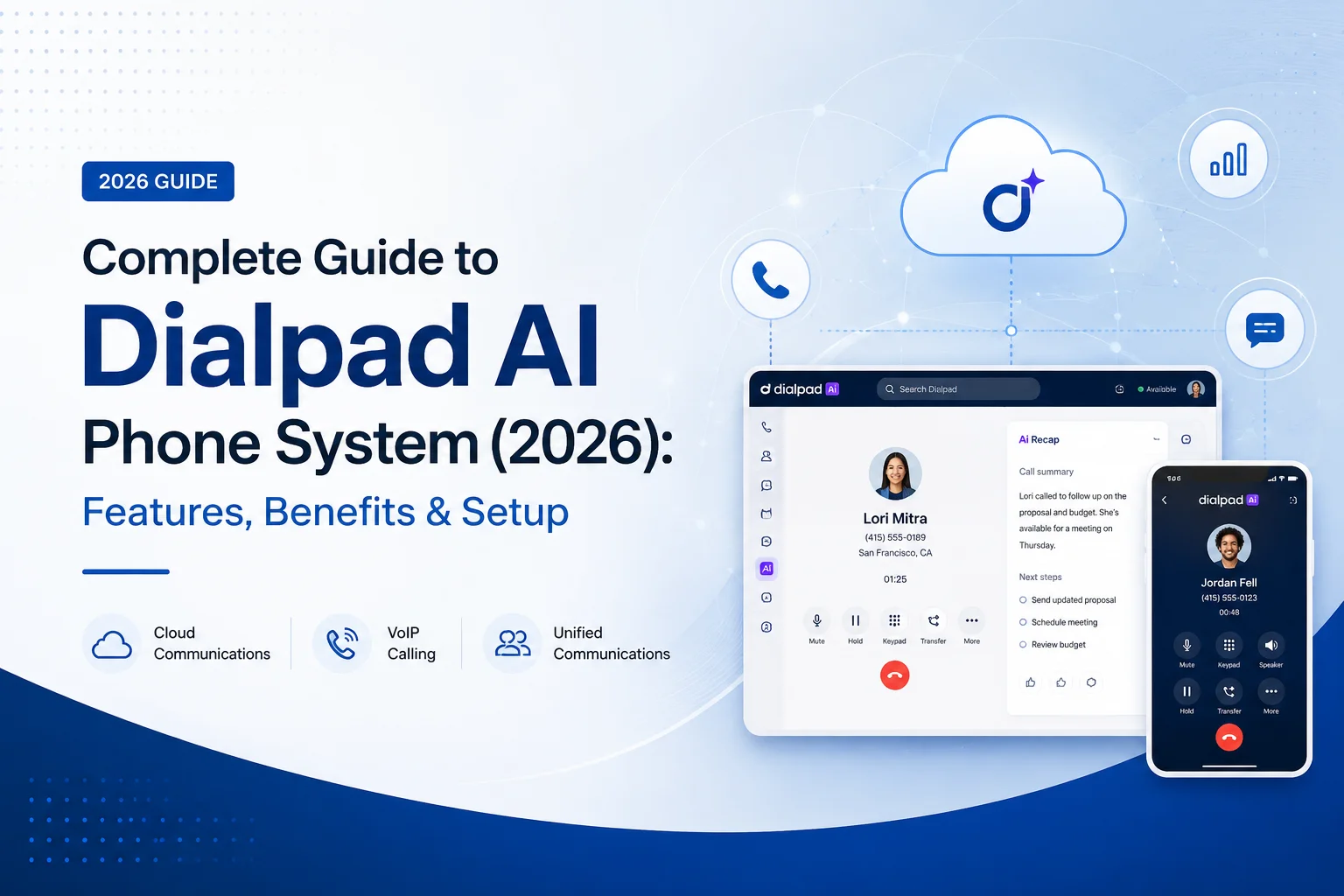
Dialpad AI Phone System: The Complete 2026 Guide to Features, Pricing, and Setup
If you've ever hung up from a sales call and immediately forgotten half of what the prospect said, you already understand the problem Dialpad was built to solve. Business phone systems used to do exactly one thing: connect calls. Dialpad Connect does that too, but it also listens, transcribes, summarizes, and hands you a to-do list before you've even closed the tab.
This guide breaks down what Dialpad actually does, where it earns its reputation, where it falls short, and how to get it running in your business — without the marketing gloss.
What Is Dialpad AI Phone System?
Dialpad AI Phone System (branded Dialpad Connect) is a cloud-based business communications platform that bundles voice calling, SMS, team messaging, and video meetings into one app, layered with real-time AI transcription and call summaries.
The distinction that actually matters here isn't the "unified communications" part — most modern VoIP providers offer that now. It's that Dialpad is AI-native, not AI-bolted-on. Under the hood, it runs on a purpose-built language model (DialpadGPT) that processes every call and meeting live, rather than sending recordings off for post-processing hours later. That's a meaningful architectural difference if you're comparing it against legacy providers that added transcription as an afterthought.
In practice, this means a sales rep can be mid-conversation while Dialpad is already flagging competitor mentions, tracking sentiment, and quietly building the call summary in the background.
Key Features of Dialpad AI Phone System
Live Transcription and AI Recaps
Every call and meeting gets transcribed as it happens. Once the call ends, Dialpad generates an "AI Recap" — a short, bulleted summary with action items pulled straight from the conversation. No one has to remember to hit "record" or type notes with one hand while talking with the other.
For teams that live and die by CRM hygiene, this is arguably the single biggest time-saver in the platform. Reps stop reconstructing calls from memory at 5 PM on a Friday.
One App for Calls, Texts, and Video
Voice, SMS/MMS, team chat, and video meetings all live in the same interface. That sounds like a small convenience until you've worked somewhere that runs a separate app for calling, a separate one for chat, and Zoom bolted on top. Dialpad's approach cuts down on the tab-switching that quietly eats a workday.
Real-Time Coaching and Post-Call Analytics
During live calls, Dialpad can surface "Live Coach" prompts when specific keywords come up — a competitor's name, a pricing objection, a compliance term. After the call, managers get access to:
- Searchable transcripts and call recordings
- Sentiment analysis
- Quality scorecards
- Estimated CSAT scores
This turns call review from a spot-check exercise into something closer to continuous coaching.
Smart Call Routing
Dialpad's cloud PBX handles auto-attendants, call queues, and skills-based routing, so calls land with the right person based on time zone, language, or issue type. You can also port existing numbers or provision new local and toll-free numbers in dozens of countries — useful if you're expanding into new markets without opening a local office.
Integrations That Actually Sync Data
Dialpad connects natively with Salesforce, Zendesk, Microsoft Teams, HubSpot, and Google Workspace, plus an open API and app marketplace for custom workflows. Calls and their transcripts sync directly into CRM records, so reps aren't manually copying notes into Salesforce after every conversation.
Security and Uptime
Dialpad runs on a dual-cloud architecture designed for high availability, and supports HIPAA, GDPR, and SOC 2 compliance out of the box. That combination — reliability plus regulatory coverage — is why you'll see Dialpad used in healthcare and financial services, not just startups.
Benefits of Dialpad AI Phone System — and a Few Trade-Offs
Where It Genuinely Helps
Time back for reps and agents. Automated note-taking is the headline feature for a reason. One customer reported effectively doubling their demos-to-calls ratio simply because reps stopped losing time to manual note-taking between calls.
Fewer tools, less context-switching. Consolidating calls, texts, video, and chat into one app reduces the mental overhead of juggling four separate logins.
Coaching backed by data, not guesswork. Sentiment scores and scorecards give managers something more concrete than "I listened to a few calls and it seemed fine." Struggling reps and specific objection patterns become visible instead of anecdotal.
Scaling without a hardware headache. Because it's cloud-native, adding a new hire or opening a new office location is a few clicks in the admin panel — no PBX hardware, no on-site installation.
Lower total cost of ownership. AI transcription and summaries are included in the plan price rather than billed as a per-minute add-on, which is where some competitors quietly pad the invoice.
Where to Be Realistic
To be fair to readers comparison-shopping: AI transcription accuracy, like any speech-to-text system, dips with heavy accents, crosstalk, or poor call audio — worth testing on your own team's calls during a trial rather than taking on faith. And while setup is genuinely fast for straightforward configurations, larger organizations with complex routing rules or legacy PBX migrations should expect setup to take longer than the "under five minutes" marketing figure suggests.
How to Set Up Dialpad AI Phone System
Getting live typically takes minutes for a small team, not weeks. Here's the actual sequence:
- Sign up and choose a plan. Pick Standard, Pro, or Enterprise based on your team size and integration needs, then either port an existing number or claim a new one.
- Download the app. Dialpad runs on Windows, macOS, iOS, Android, and any modern browser. Once you're logged in, your business line syncs across every device automatically.
- Configure the basics. Assign extensions, set up auto-attendants and call queues, upload hold music, and — if you need it — set emergency (E911) addresses. Most of this is manageable without an IT team.
- Turn on AI features. Live transcription is typically on by default; enable AI Recaps so every call and meeting generates a summary and action items automatically.
- Train your team. Dialpad's interface is intuitive enough that most reps are productive within a day. One small business reported full onboarding in about 30 minutes with the help of Dialpad's support team.
Practical tip: Run a two-week pilot with a small group before rolling out company-wide. It surfaces routing issues and transcription quirks with your specific call volume and accents before they become a company-wide headache.
A few things worth knowing before you budget this:
- All plans require a minimum of 3 users.
- Monthly billing is available but costs more than the annual rate shown above.
- International calling and additional phone numbers can carry extra charges.
- Every plan tier includes the core AI feature set — you're not paying more to unlock transcription itself, only for the integrations and support level around it.
Always confirm current pricing on Dialpad's official site before signing, since providers adjust tiers periodically.
Is Dialpad Right for You?
Dialpad tends to be a strong fit if you:
- Run a sales or support team where call quality and coaching directly affect revenue
- Want to retire a legacy PBX system without managing on-site hardware
- Already use Salesforce, Zendesk, or Google Workspace and want calls synced automatically
- Operate in a regulated industry needing HIPAA or GDPR-compliant communications
It's a less obvious fit if you need highly customized, complex call-center logic beyond what a cloud PBX easily handles, or if your team's call volume is low enough that AI transcription and analytics wouldn't get meaningfully used.
Conclusion
Dialpad isn't just a phone system with AI sprinkled on top — the AI is the product. Live transcription, automatic recaps, and sentiment analysis turn every call into a searchable, coachable record instead of a conversation that evaporates the moment you hang up. Combined with unified messaging, video, and straightforward cloud setup, it's a legitimate alternative for any team looking to retire a legacy phone system.
If your team is still taking notes by hand mid-call, that's usually the clearest sign it's time to test-drive something like this. Most providers, Dialpad included, offer a free trial — worth running against your actual call volume before committing.








