
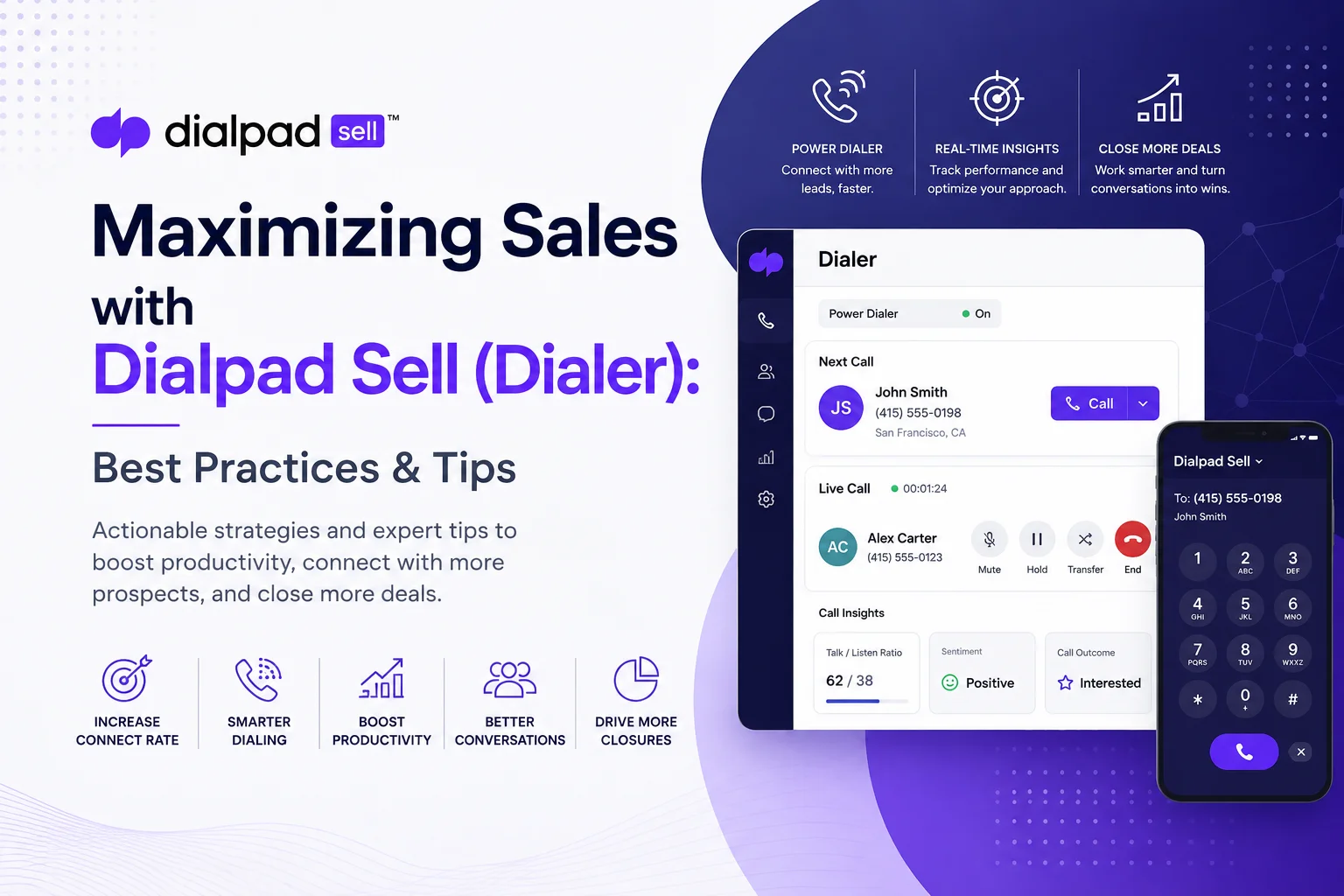
The AI Sales Dialer Playbook: Getting More Out of Dialpad Sell
Most SDR teams don't have a lead problem. They have a time problem.
Between manually punching in numbers, waiting through rings that go nowhere, and typing up call notes after the fact, a rep can burn a third of their day without saying a single meaningful sentence to a prospect. That's the gap Dialpad Sell is built to close — an AI-powered sales dialer that handles the mechanical parts of outbound calling so reps can spend their energy on the conversations that actually move deals forward.
This guide walks through what Dialpad Sell's dialer actually does, how to configure it so it earns its keep, which metrics to watch, and where teams tend to trip up. We'll also look at a real customer example — JumpCrew — that cut its sales cycle in half after switching over.
What Is Dialpad Sell's Sales Dialer?
Dialpad Sell is an AI-enabled sales engagement platform that combines phone, video, and SMS in one interface, built around a power dialer with live AI coaching and native CRM sync.
Instead of dialing numbers one by one, reps queue up a call list and let the power dialer move through it automatically. The dialer isn't a bolt-on tool, either — it lives inside your CRM. Dialpad embeds directly in Salesforce and HubSpot, so a rep can make a call without ever leaving the record they're working from, and every call, voicemail, and note logs itself.
The AI layer is what separates Dialpad from a plain auto-dialer. Built on the company's own model, DialpadGPT, it transcribes calls as they happen and surfaces live prompts — competitor mentions, pricing objections, compliance keywords — the moment they come up. Managers can also load in AI Playbooks based on whatever methodology the team runs (BANT, SPIN, SPICED), and Dialpad will nudge reps if they skip a step. The goal is straightforward: strip out the manual admin work — dialing, logging, note-taking — and put that time back into selling.
Core Dialer Features (and Why They Matter)
A quick note on terminology, since it trips people up: a power dialer (what Dialpad Sell uses) dials one number at a time, right after the previous call ends — a live rep is on the line for every connection. A predictive dialer dials several numbers ahead of time based on an algorithm's guess about rep availability, which pushes volume higher but also raises the risk of "dead air" abandoned calls and compliance headaches. For most mid-market teams, a power dialer is the better trade-off: strong throughput without the regulatory risk that comes with predictive or parallel dialing at scale.
Best Practices for Getting More Out of Dialpad Sell
Buying the tool is the easy part. Here's what actually moves the needle once it's live.
1. Connect It to Your CRM — Fully, Not Halfway
If reps are still toggling between Dialpad and Salesforce, you've lost most of the benefit. Embed the dialer directly inside the CRM so calls, voicemails, and follow-up tasks attach to the right record automatically. This isn't just a convenience thing — it's what keeps your pipeline data trustworthy. A CRM nobody updates in real time is a CRM nobody can forecast off of.
2. Build Out Your AI Coaching Before You Need It
Don't wait for reps to fumble a pricing objection to think about Real-Time Assist cards. Sit down with your top performers, figure out the five or six objections that come up constantly, and build cards for each one before rollout. Do the same with Playbooks — map your methodology (BANT, SPIN, whatever your team runs) into Dialpad so it prompts reps automatically instead of relying on a manager listening in live.
3. Use Voicemail Drop and Templates to Multiply At-Bats
Every voicemail a rep doesn't have to record from scratch is time back in their day. Pre-record two or three strong voicemail options, pair them with saved email templates for the follow-up, and let Dialpad handle the logging on both ends.
4. Keep Your Call Lists Clean
No amount of AI coaching fixes a bad list. Scrub against Do-Not-Call registries before every dialing session, segment by lead temperature, and use local presence dialing where it's available — a local area code alone can meaningfully improve pickup rates. Timing matters too: mid-morning and late afternoon in the prospect's time zone tend to outperform random dial times.
5. Don't Let One Call Be the Whole Strategy
Most deals don't close — or even get a callback — after the first touch. Set up structured, multi-day cadences that mix calls with email and SMS, and let Dialpad auto-log every touchpoint so nothing falls through the cracks. Missed calls can automatically become follow-up tasks in Salesforce, which removes the "I forgot to call back" excuse entirely.
How the AI Actually Earns Its Keep
The dialer gets prospects on the phone. The AI is what makes those calls count.
- Live transcription and AI Recaps mean nobody's taking notes mid-conversation — the summary and next steps land in the CRM automatically.
- Real-time sentiment analysis flags how a call is actually going while it's happening, not after the fact when it's too late to adjust.
- Automated workflows turn missed calls into CRM tasks and pull AI Recap notes straight into records, so reps aren't retyping anything.
- Call playlists let managers pull together a library of standout calls for onboarding and coaching, without manually hunting through recordings.
One metric worth calling out specifically: Dialpad's Sales Launchpad dashboard tracks "Quality Calls" — an AI judgment of whether a conversation was actually substantive and on-topic, not just a call that connected. That distinction matters more than it sounds. Industry benchmarks put the average B2B SDR at somewhere around 50–80 dials a day for maybe 4–5 real conversations and a couple of booked meetings. Top performers aren't necessarily dialing harder — they're converting more of their connects into something meaningful, often in the 5–8% dial-to-meeting range versus the 2–3% average. Volume without quality is just noise on a dashboard.
The Metrics That Actually Matter
Tracking everything isn't the same as tracking what matters. Focus on:
- Connect rate — the percentage of dials that reach a live person. Local presence dialing and A/B testing call windows both move this number.
- Conversion rate — dials that turn into a meeting or qualified next step. Anything meaningfully above the 2–3% industry average is a good sign.
- Quality Calls — Dialpad's AI-scored measure of substantive conversations, not just connections.
- Pipeline impact — deals sourced or influenced by outbound calling, tied back to revenue.
- Time to close — how fast leads move from first contact to closed-won.
Trends matter more than any single day's numbers. Pull the reports weekly, watch for where prospects drop out of the funnel, and use call recordings in coaching sessions rather than just citing a stat.
Case Study: How JumpCrew Cut Its Sales Cycle in Half
JumpCrew, a fast-growing marketing company, was losing time to missed calls and dropped connections before adopting Dialpad Sell. After switching, the team provisioned hundreds of phone lines in minutes rather than the days it used to take, and started getting real-time visibility into every call.
The bigger shift was in coaching: managers could give feedback based on actual call data instead of secondhand summaries, which shortened rep ramp time noticeably. The headline result — JumpCrew's sales cycle dropped from roughly 30 days to 15, a 50% reduction, largely on the strength of faster provisioning and real-time coaching data.
Common Pitfalls to Avoid
Skipping compliance checks. Automated dialing at scale can create real regulatory exposure if you're not careful. Scrub Do-Not-Call lists before every campaign and respect calling-hour restrictions by time zone. Dialpad supports TCPA-related compliance features, but the discipline still has to come from your team.
Ignoring number reputation. Generic or overused caller IDs get flagged by spam filters, which tanks connect rates fast. Dialpad supports STIR/SHAKEN number validation, and pairing that with local presence dialing can noticeably improve pickup — some studies put the lift around 20%.
Letting follow-ups slip. The data is consistent: most prospects don't respond until the third, fourth, or fifth touch. If follow-up isn't a tracked KPI, it quietly stops happening. Use Dialpad's auto-generated follow-up tasks to keep it from falling on memory alone.
Collecting data nobody looks at. A dashboard nobody reviews isn't insight, it's clutter. Build a weekly rhythm — even 15 minutes — where the team looks at connect rates, quality calls, and talk-time trends together.
The Bottom Line
Dialpad Sell's dialer is only as good as the process wrapped around it. Get the CRM integration right, build your AI coaching cards and Playbooks before you need them, keep your lists clean, and actually look at your metrics every week — and the tool does what it's designed to do: turn more dials into real conversations, and more conversations into closed deals.








