
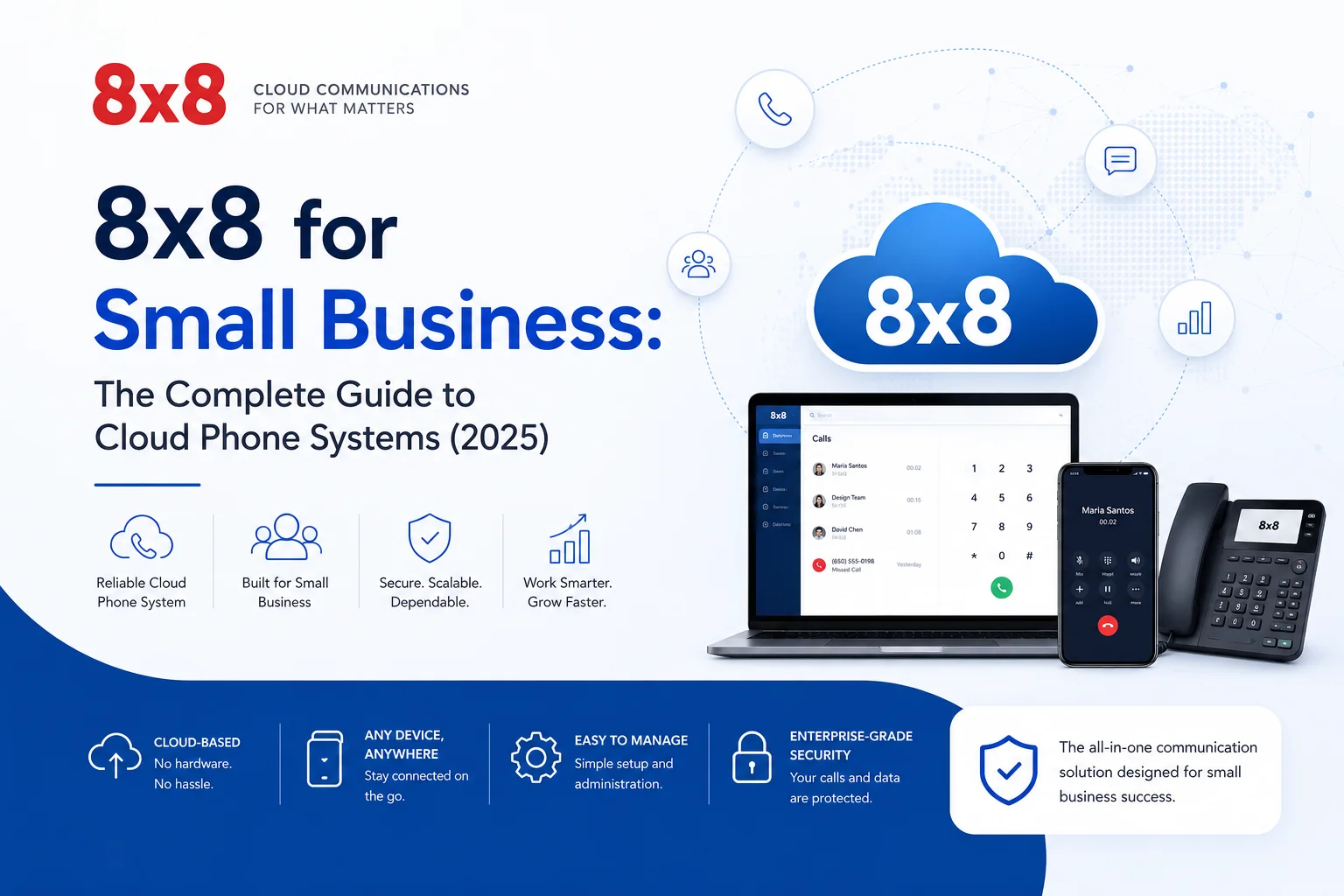
8x8 for Small Business: The Complete Guide to Cloud Phone Systems (2025)
Introduction
Your phone system is quietly costing you more than you think. Between the hardware maintenance, the per-line fees, and the features you're paying for but never using, traditional phone setups drain small business budgets in ways that are easy to overlook — until you compare them to what modern VoIP platforms actually offer.
8x8 is one of those platforms. It's a cloud-based business communication system that bundles voice calls, video meetings, and team messaging into a single monthly subscription. No PBX hardware. No technician visits. No separate bills for your phone, your conference bridge, and your chat tool.
This guide breaks down exactly what 8x8 offers small businesses, how its pricing stacks up, how to get set up, and whether it's the right fit for your team.
What Is 8x8 — and Why Does It Matter for Small Businesses?
8x8 is a cloud communications platform built on VoIP (Voice over Internet Protocol) technology. Instead of routing calls through traditional copper lines, it uses your internet connection to handle voice, video, and messaging — all managed through a web-based admin portal and apps on desktop and mobile.
For small businesses, that distinction matters a lot. Traditional landline systems require physical hardware at your office, professional installation, and ongoing maintenance contracts. 8x8 requires none of that. Your team can make and receive business calls from a laptop in a coffee shop just as easily as from a desk phone in the office.
Beyond the basics, 8x8 serves as a unified communications platform — meaning it replaces several tools at once. Instead of paying separately for a business phone line, a video conferencing subscription, and a team chat tool, you get all three under one roof.
Key Features Worth Knowing
Not every VoIP provider is created equal. Here's what sets 8x8 apart for small business use cases:
Cloud-Based Phone System
Every function — call routing, voicemail, auto-attendant, conference bridges — runs on 8x8's servers. Your team accesses everything through an app. There's no on-site hardware to manage or replace.
HD Voice and Video
Call quality has historically been a sticking point for VoIP systems. 8x8 uses HD voice technology across both audio calls and video meetings, which makes a real difference when you're on calls with clients or running team standups.
Auto-Attendant and Smart Call Routing
Even a two-person business can sound like a polished operation with a well-configured auto-attendant. 8x8 lets you set up custom greetings, menu options ("Press 1 for Sales, Press 2 for Support"), and routing rules that direct callers to the right person or department automatically.
This feature alone replaces the need for a dedicated receptionist in many small business scenarios.
Team Messaging and Collaboration
Built-in messaging means your team can chat, share files, and stay coordinated without switching to a separate app. It's not a replacement for Slack if your team is deeply embedded in that ecosystem, but for businesses that want to consolidate tools, it reduces the number of tabs your team has open.
CRM and Business Tool Integrations
8x8 connects with the platforms most small businesses already use: Salesforce, HubSpot, Zoho CRM, Microsoft Teams, Google Workspace, and others. When a customer calls, your CRM data can pop up automatically — no manual lookup required. These integrations are available on higher-tier plans.
Call Analytics and Reporting
The reporting dashboard shows you call volumes, response times, missed call rates, and individual agent performance. For businesses running any kind of customer support or sales operation by phone, this data is genuinely useful for identifying bottlenecks and improving team performance.
8x8 Pricing Plans (2025)
8x8 offers tiered plans designed to scale with your business. Pricing is per user per month, typically with discounts for annual billing.
For most small businesses without a formal contact center, X2 or X4 covers the majority of real-world use cases. X2 handles everyday calling and collaboration; X4 adds the oversight tools useful for teams with managers who need visibility into call activity.
Tip: 8x8 frequently runs promotions for new customers. It's worth requesting a custom quote if you have more than 10 users, as bundle pricing often applies.
How to Get Started with 8x8
Setup is simpler than most small business owners expect. Here's a realistic walkthrough:
1. Choose your plan. Start with X2 unless you have a specific need for the analytics and monitoring tools in X4. You can upgrade later without migrating your numbers or losing your configuration.
2. Sign up and create your account. The 8x8 Express or standard signup process takes about 10–15 minutes online. You'll set up your admin account, which controls everything else.
3. Port your existing number (or get a new one). If you have a business phone number you want to keep, 8x8 handles the porting process. Porting typically takes 2–4 weeks depending on your current carrier, so plan accordingly if you need continuity.
4. Add users and configure roles. Add each team member, assign their extension, and set permissions. Admins can configure everything; standard users get access to their own line and the collaboration tools.
5. Set up your auto-attendant and call routing. This is where you configure your main business greeting, business hours settings, and how calls get distributed. Take the time to map this out before you configure it — knowing whether you want ring groups, sequential routing, or skills-based routing in advance makes the setup much smoother.
6. Install the apps. 8x8 has desktop apps for Windows and Mac, mobile apps for iOS and Android, and supports compatible desk phones if your team prefers hardware. Most small businesses use the desktop and mobile apps and skip the desk phones entirely.
7. Run a test before going live. Make test calls from external numbers, test your voicemail setup, confirm routing works as expected, and have at least one team member use the system for a day before switching over entirely.
The shift to remote and hybrid work has made this comparison even more stark. A traditional phone system simply stops working the moment your employee isn't at their desk. With 8x8, location is irrelevant — the system follows the user, not the office.
Who Gets the Most Out of 8x8?
8x8 fits well for:
- Startups and early-stage businesses that want professional phone presence without infrastructure investment
- Remote and hybrid teams where employees are spread across locations or time zones
- Businesses with high call volume — sales teams, customer support, booking-heavy service businesses
- E-commerce companies managing customer inquiries across phone and chat
- Professional services firms (legal, financial, consulting) where client communication is central to the business
It's less ideal for businesses with zero telephony needs (purely digital, no client calls) or for those in locations with unreliable internet — VoIP quality depends directly on connection stability.
Common Mistakes to Avoid
Underestimating your internet requirements. VoIP calls consume roughly 100 kbps per active call. A team of 10 people on calls simultaneously needs at least 1 Mbps of dedicated bandwidth for voice alone. Run a speed test and confirm your upload speeds before committing.
Not setting up your auto-attendant properly. A poorly configured auto-attendant frustrates callers. Map out your call flow on paper first. Think through what happens outside business hours, what happens when a line is busy, and how voicemails get handled.
Skipping employee training. The system has more features than most people use by default. A one-hour onboarding session for your team — covering how to transfer calls, use the messaging features, and check voicemail — pays off quickly.
Choosing the wrong plan for your actual needs. Review the feature list for each tier before signing up. Upgrading is easy, but signing up for a plan with features you don't need wastes money.
Getting the Most Value from 8x8
Once you're set up, these habits tend to improve ROI:
- Use the analytics dashboard regularly. If calls are being abandoned or response times are creeping up, the data will show it before it becomes a customer experience problem.
- Connect your CRM early. The integration value compounds over time as call logs, recordings, and contact history accumulate in your CRM.
- Audit your plan annually. As your business grows or changes, your communication needs shift. Review whether your current plan still matches how you're actually using the system.
- Set up after-hours routing. Even if no one's available, routing after-hours callers to a voicemail with a clear callback promise performs better than a ring that goes unanswered.








