
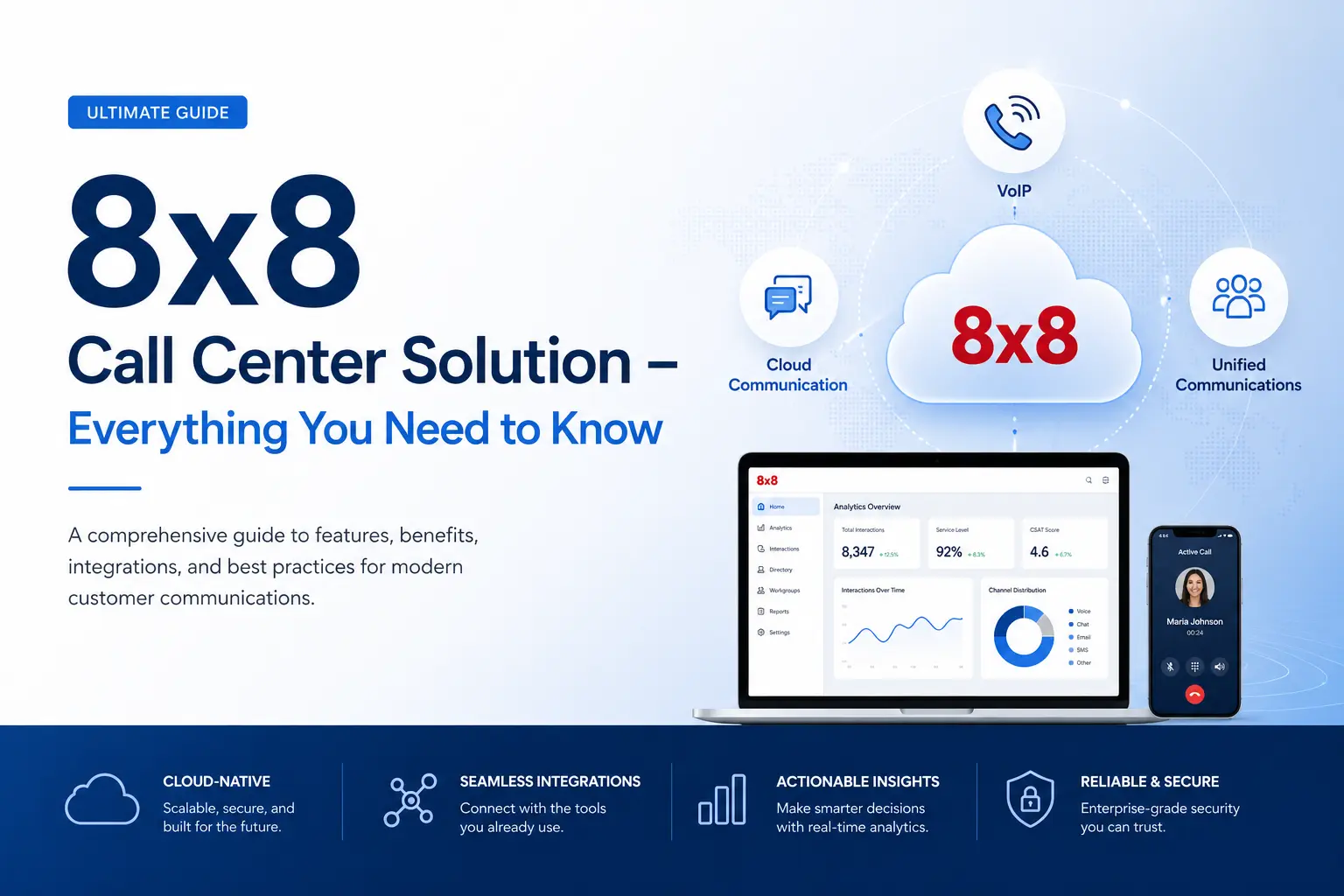
8x8 Contact Center Review 2026: Features, Pricing & Is It Worth It?
Customer experience has quietly become the biggest differentiator in business today. Not price. Not product. Experience. And if your support team is still patching together calls, emails, and chats across disconnected tools, you're already losing ground.
The 8x8 Contact Center is one of the more established cloud-based call center platforms on the market—trusted by thousands of businesses for omnichannel communication, AI-assisted routing, and real-time analytics. But it's not the right fit for every team. This guide gives you the complete picture: what it does well, where it falls short, what it actually costs in 2026, and how to decide if it's the right move.
What Is the 8x8 Contact Center?
The 8x8 Contact Center (part of 8x8's broader XCaaS—Experience Communications as a Service—platform) is a cloud-hosted solution that consolidates customer interactions across voice, live chat, email, SMS, and social media into a single interface.
Unlike traditional on-premise call centers that require expensive hardware and dedicated IT teams, 8x8 runs entirely in the cloud. Agents can log in from anywhere—office, home, or mobile—and supervisors get real-time visibility into every conversation happening across the team.
In plain terms: it replaces your old phone system, your separate chat tool, your email ticketing queue, and your reporting spreadsheets—with one unified platform.
Why Businesses Are Moving to Cloud Contact Centers
The shift away from on-premise infrastructure isn't just a trend—it's driven by real operational pain. Physical call centers require capital investment in hardware, ongoing maintenance contracts, and on-site IT support. When something breaks at 2am on a Saturday, someone has to fix it.
Cloud contact center solutions flip that model entirely:
- No hardware to buy or maintain — you pay a monthly subscription, not a capital expense
- Remote and hybrid team support — agents work from anywhere without VPN headaches
- Scale up or down instantly — add seats during peak seasons, reduce them after
- Real-time performance data — supervisors can monitor, coach, and intervene in live calls
- Faster deployment — most cloud platforms go live in days, not months
For growing companies especially, that last point matters a lot. A traditional call center rollout can take six months. Cloud deployments are measured in days.
Core Features of 8x8 Contact Center
Omnichannel Communication Hub
One of 8x8's strongest selling points is true omnichannel support. Customers can reach you however they prefer—phone, email, live chat, SMS, or social media—and agents see the full conversation history regardless of channel. No more customers repeating themselves when they switch from chat to a phone call.
This is a meaningful upgrade over basic multi-channel setups, where each channel operates in isolation.
Intelligent Call Routing
8x8 uses skills-based routing to connect customers to the right agent the first time. The system considers:
- Agent skill set — match complex technical queries to experienced reps
- Current availability — no more queue bottlenecks because calls pile up on one agent
- Customer history and VIP status — priority customers can be fast-tracked automatically
For outbound teams, 8x8 offers preview, progressive, and predictive dialers that automatically detect voicemail and busy signals, so agents spend their time on live conversations, not manual dialing.
Real-Time Analytics and Reporting
Supervisors get a live dashboard showing call volume, agent performance, queue wait times, and customer satisfaction scores as they happen. Historically, this kind of data required exporting reports at the end of the day—by which point the moment to act had already passed.
8x8 also supports post-interaction customer surveys via voice and messaging, giving you structured CSAT data alongside the raw call metrics.
AI and Automation
8x8 has invested significantly in AI features over the past few years:
- IVR (Interactive Voice Response) — guides callers through self-service options before reaching an agent
- Conversational AI chatbots — handle common queries 24/7 without agent involvement
- Agent Assist — surfaces relevant knowledge base articles and suggested responses in real time during live calls
- Workforce Management (WFM) — forecasts call volume and auto-generates agent schedules
These tools don't replace human agents—they reduce the cognitive load so agents can focus on genuinely complex customer issues.
CRM and Third-Party Integrations
8x8 connects with over 40 third-party applications. The most commonly used integrations include:
- Salesforce — bi-directional sync of call logs and customer data
- HubSpot — link contact center activity to CRM pipeline and deal stages
- Zendesk — merge ticketing workflows with voice and chat
- Microsoft Teams — unified interface for internal and external communication
- Alvaria and Calabrio — stream live data into advanced workforce management platforms
One important caveat: CRM integrations like Salesforce and HubSpot are typically only available on higher-tier plans. If that's a dealbreaker, factor it into your plan selection from the start.
Call Recording and Quality Management
Every inbound and outbound call can be recorded for training, compliance, and dispute resolution. Supervisors can also:
- Monitor calls silently — listen without the agent or customer knowing
- Whisper coach — feed real-time guidance to an agent that only they can hear
- Barge in — join a call directly when a situation escalates
Advanced quality management tools (including speech analytics and screen recording) are available as add-ons on higher-tier contact center plans.
8x8 Pricing in 2026: What You'll Actually Pay
8x8's pricing has become less transparent in recent years—most plans now require a custom quote rather than displaying fixed prices publicly. That said, buyer data and independent research give us a reliable picture of what businesses are actually paying.
Business Communications Plans (8x8 Work)
PlanReported Monthly Cost (per user, billed annually)Best ForExpress~$15Small teams (up to 5 users), US/Canada calling onlyX2~$24Growing teams, basic integrationsX4~$44Enterprises, global calling, supervisor analytics
Contact Center Plans
Contact center pricing starts around $85 per user/month for the entry-level plan and can reach $140 per user/month for full omnichannel and AI-enhanced access, with final pricing varying based on feature set, add-ons, and contract terms.
What Drives the Final Cost Up
Beyond per-user subscription fees, buyers should budget for onboarding and implementation fees (ranging from $1,000 to $25,000+ depending on deployment complexity), add-on modules that can increase base costs by 10–40%, and annual price escalations of 3–5% unless you negotiate a cap upfront.
A few other costs to watch:
- CRM integrations — often gated behind higher tiers or custom quotes
- Advanced analytics and quality management — sold as add-ons
- Toll-free and international calling — per-minute charges apply even on "unlimited" plans
- Early termination fees — typically $60–$200 if you exit before your contract ends
Negotiation Is on the Table
Multi-year commitments of two to three years typically unlock an additional 10–25% savings, and annual billing typically saves 15–23% compared to month-to-month pricing—for example, the X2 plan costs $24/user/month annually versus $28 monthly, which on a 100-user team represents a $4,800 annual difference.
If you're evaluating 8x8 for a team of 100+ users, bring competing quotes to the negotiation. The list price is rarely the final price.
How to Set Up 8x8 Contact Center: A Practical Guide
Getting up and running with 8x8 is straightforward for most teams. Here's what the typical implementation looks like:
1. Choose the right plan Start with your actual requirements—channel mix, number of agents, CRM tools you need to integrate, and whether you need outbound dialing. Don't pay for omnichannel if you only handle phone calls.
2. Create agent and supervisor accounts Add users, assign roles (agent, supervisor, admin), and set up teams. Supervisors get monitoring permissions that agents don't.
3. Configure call flows and IVR menus Design your call routing logic: what happens when a customer calls, which department they're directed to, what self-service options appear before reaching a live agent.
4. Integrate your CRM Connect Salesforce, HubSpot, Zendesk, or your preferred CRM. This step populates customer history automatically when a call comes in, so agents start every conversation informed.
5. Train your team 8x8 offers onboarding resources, but budget time for hands-on training—especially for supervisors using monitoring and analytics features for the first time.
6. Go live, then optimize Use the first 30–60 days of live data to refine your routing rules, identify bottlenecks, and make adjustments. Most teams find they improve significantly in the first quarter.
Who Gets the Most Value from 8x8?
8x8 Contact Center is a strong fit for:
- Customer support teams handling high volumes across multiple channels
- E-commerce businesses that need real-time support during peak seasons
- SaaS companies with global customers and technical support requirements
- BPO (Business Process Outsourcing) operations managing multiple client accounts
- Sales teams running outbound campaigns with predictive dialing
It's less ideal for very small teams (under 10 agents) where the cost-per-seat is harder to justify, or businesses that need deep, native CRM integration out of the box without upgrading to a higher tier.
Honest Pros and Cons
What 8x8 Does Well
- Wide unlimited calling area covering up to 48 countries
- Video meetings supporting up to 500 participants on all plans
- Strong omnichannel unification—voice, chat, email, SMS in one view
- AI-powered workforce management that forecasts staffing needs automatically
- Robust supervisor tools (monitor, whisper, barge)
Where It Falls Short
- Pricing lacks transparency—you need to contact sales for most plan details
- CRM integrations are restricted to higher tiers
- Quality management and advanced analytics are add-ons, not standard
- Some users report small, frequent service outages (check 8x8's status page)
- Early termination fees can be significant if your needs change
Pro Tips to Get More Out of 8x8
Use the analytics before you assume. Gut feeling about why call volume spikes on Tuesdays is usually wrong. Pull the data first—it will tell you where to route more agents, which IVR options frustrate callers, and which agents need coaching.
Automate routine queries, not complex ones. IVR and chatbots are excellent for account balance checks, appointment reminders, and order status updates. Escalate anything requiring judgment to a human agent.
Review your routing rules quarterly. Your call flows should evolve as your product and team change. A routing rule that made sense six months ago might now be sending customers to the wrong queue.
Negotiate implementation fees. For large deployments, onboarding costs can be waived or significantly reduced, especially if you're committing to a multi-year contract.
Set up post-call surveys from day one. CSAT data is most valuable when you have a baseline to compare against. Start collecting it immediately, even if you don't act on it right away.
Conclusion: Is 8x8 the Right Call Center Solution for Your Business?
8x8 Contact Center is a mature, capable platform with strong omnichannel support, meaningful AI features, and a wide global calling network. For mid-sized to enterprise contact center operations, it delivers real value.
The biggest friction points are pricing opacity and the cost ceiling for full-featured access. If you need deep CRM integration and advanced analytics from day one, you'll be in the higher-tier plans—and you should budget accordingly.
Before committing, get quotes for your specific team size and feature requirements, compare against alternatives like RingCentral or Genesys, and negotiate hard on implementation fees and contract terms.
For the right team, 8x8 can genuinely transform how you manage customer communication. Just go in with clear eyes about what you're buying.








